Create dictionary
To create a new dictionary, preform the following actions:
-
Open the system configuration window: on the toolbar, press the username in the top right corner and select the "Configuration" item.
-
Go to the "Dictionaries" section:
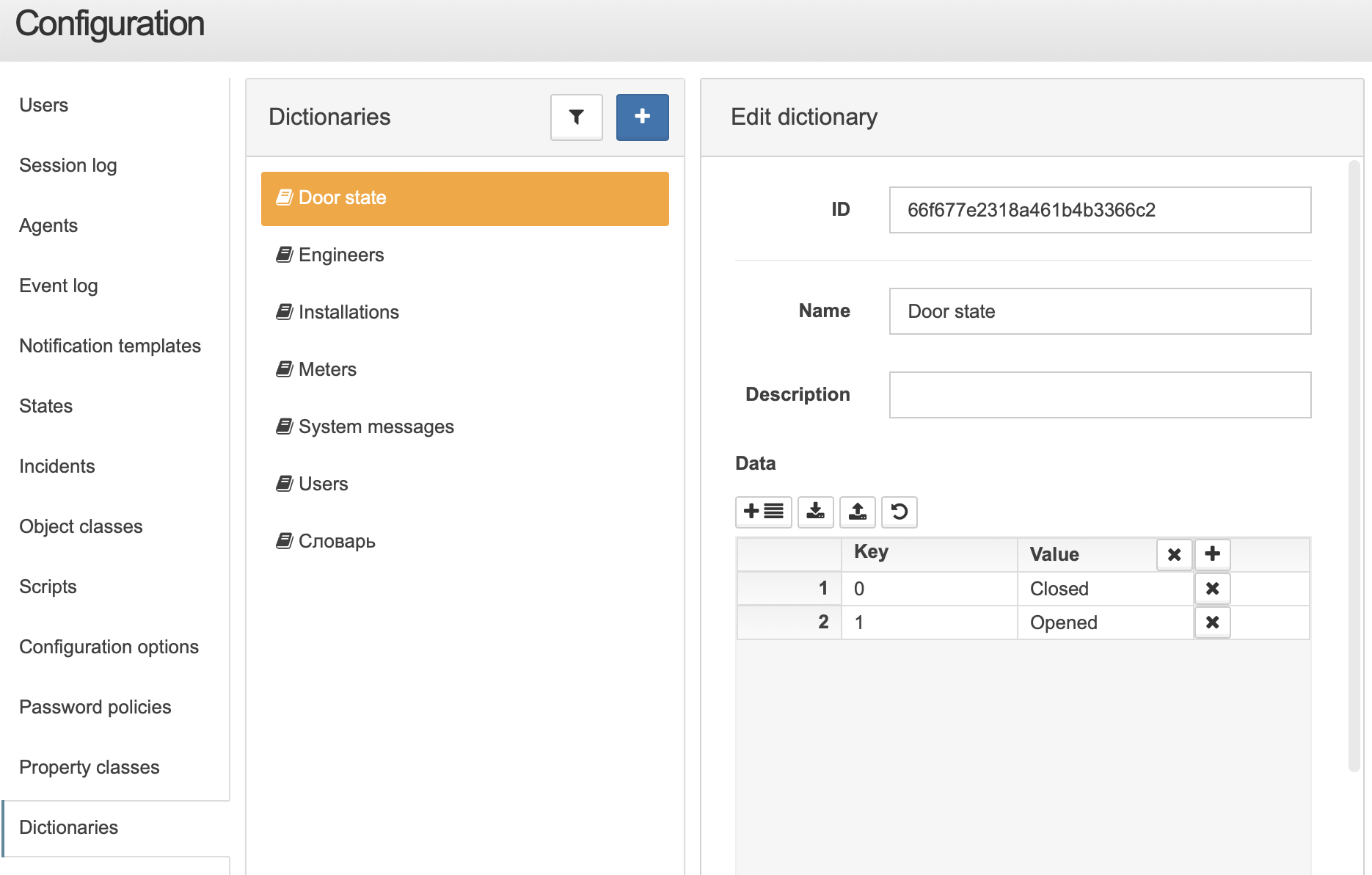 List of dictionaries
 -
Press the button.
-
In the window to the right of the list, enter the dictionary’s name and set its values.
-
Press the button.
REST API
You can create dictionary via REST API with Create dictionary request.
Request example via curl
login=<...>
password=<...>
saymon_hostname=<...>
url=https://$saymon_hostname/node/api/dictionaries

curl -X POST $url -u $login:$password \
    -H "Content-Type: application/json" \
    -d @- <<EOF
{
    "name": "Door state",
    "content": {
        "0": "Closed",
        "1": "Opened"
    }
}
EOF